Appearance
Line Overlay
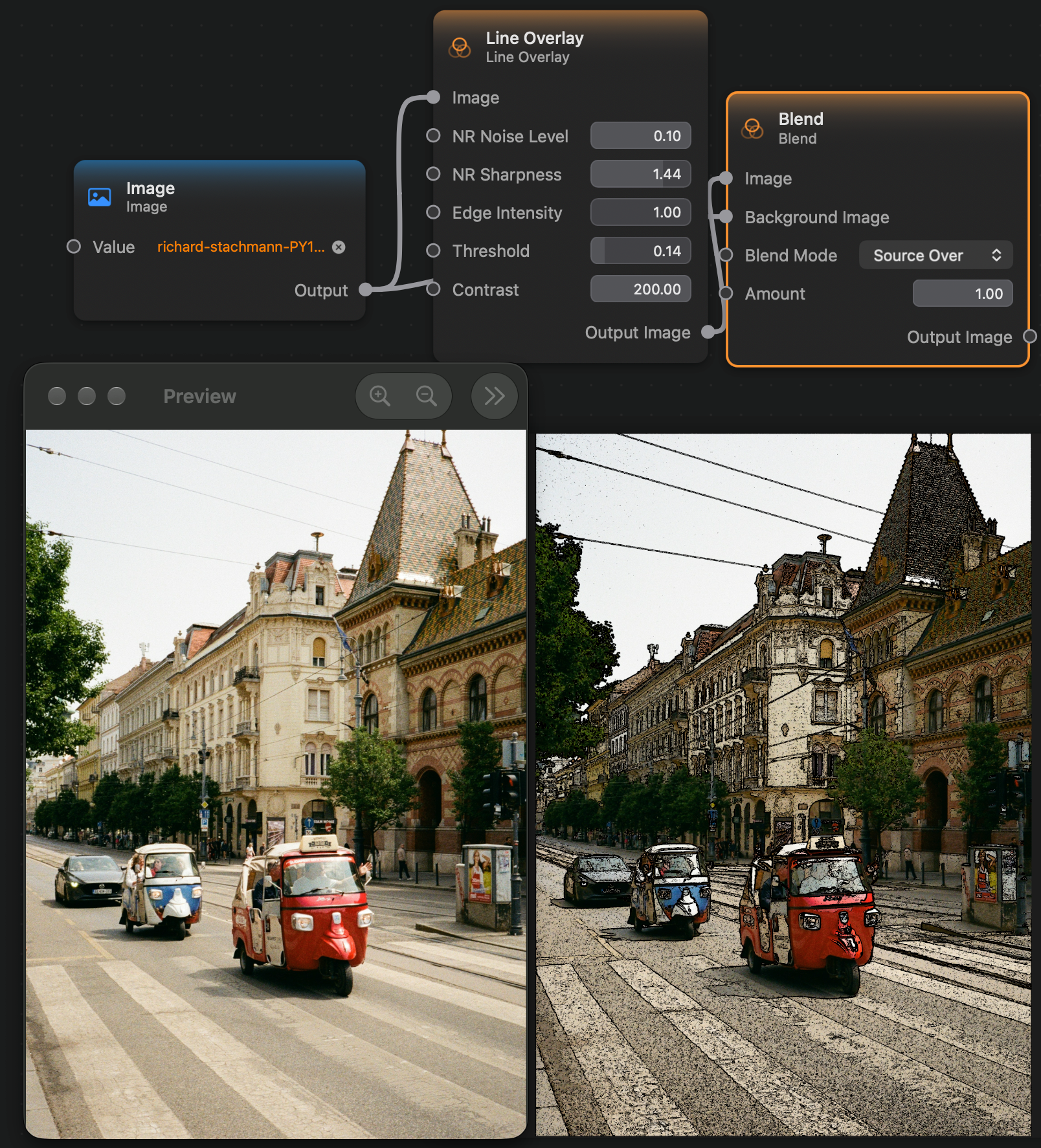
The Line Overlay node outputs an image where the detected edges of the input image are colored as black pixels, while the non-edge areas are transparent. That makes it ideal to use as an overlay over the original image:
Inputs and Outputs
Inputs:
Image (Image): The input image.NR Noise Level (Float): The amount of noise.NR Sharpness (Float): The sharpness amount.Edge Intensity (Float): The intensity of the edges.Threshold (Float): The edge-detection threshold.Contrast (Float): The contrast between edges and non-edges areas.
Outputs:
Output Image (Image): The output image.