Appearance
Blend With Mask
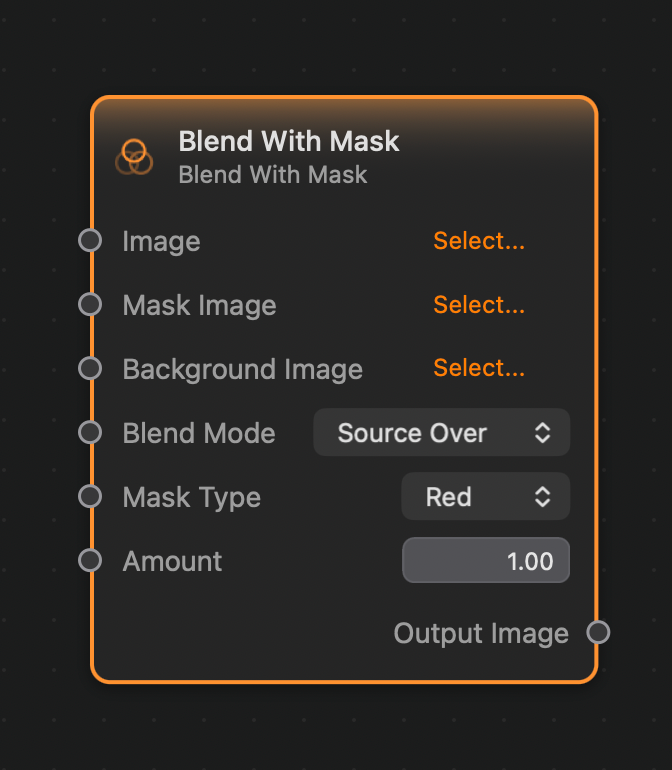
The Blend With Mask work similarly to the Bend node, allowing for compositing an input Image over a Background Image, but, in addition, the operation is masked by a give Mask image.
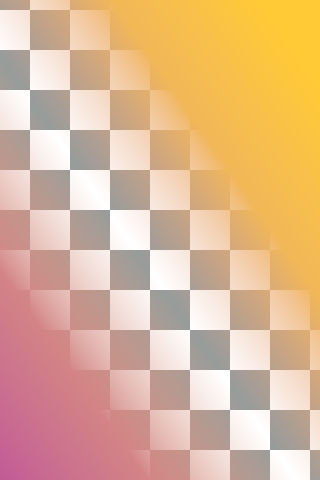
There are a number of different blend modes to choose from. Following is a list of blend nodes and the result obtained when compositing this gradient image (here the checkerboard pattern indicates transparency):
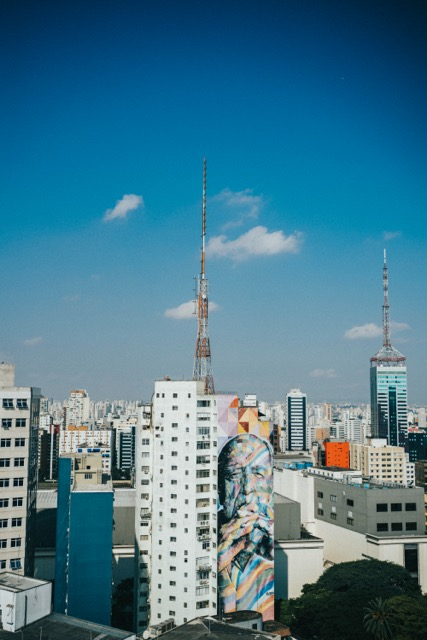
over this background image:
and this mask image: 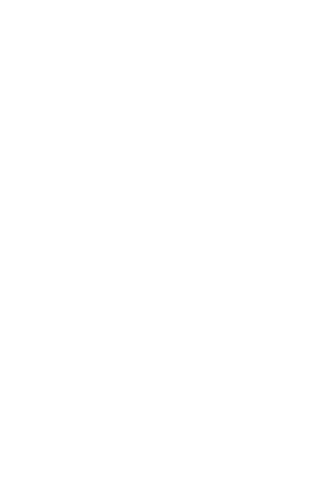
Blend Modes
Add
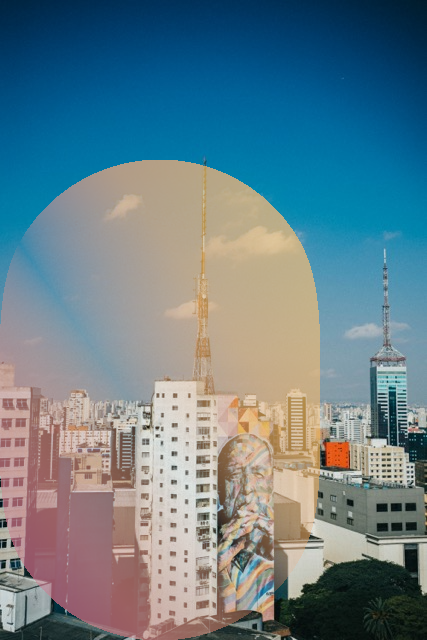
Color Blend
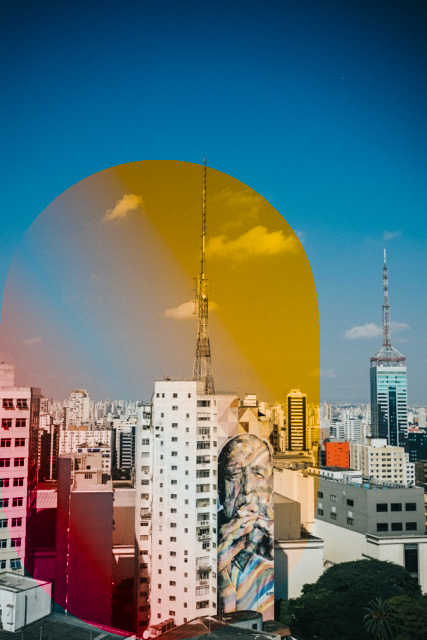
Color Burn
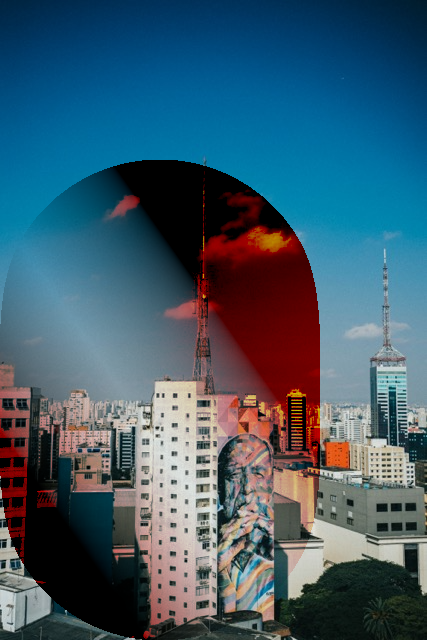
Darken
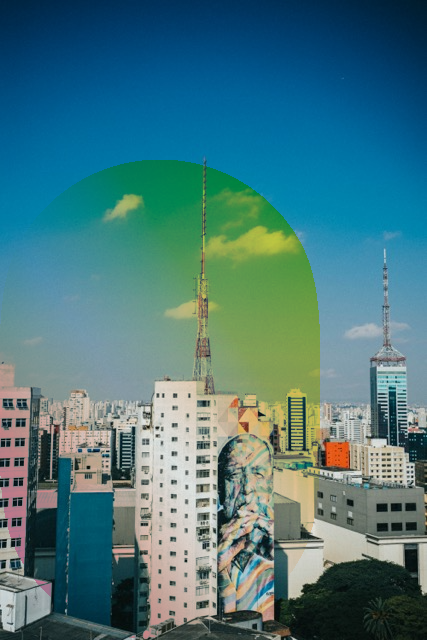
Difference
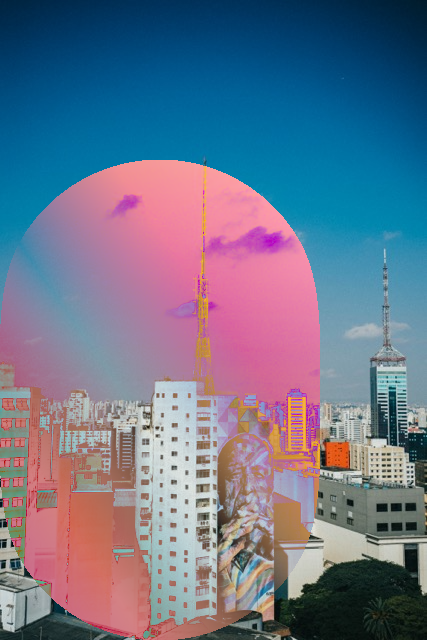
Divide
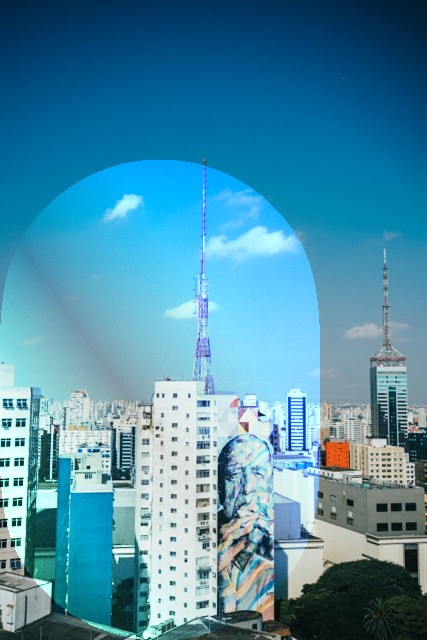
Exclusion
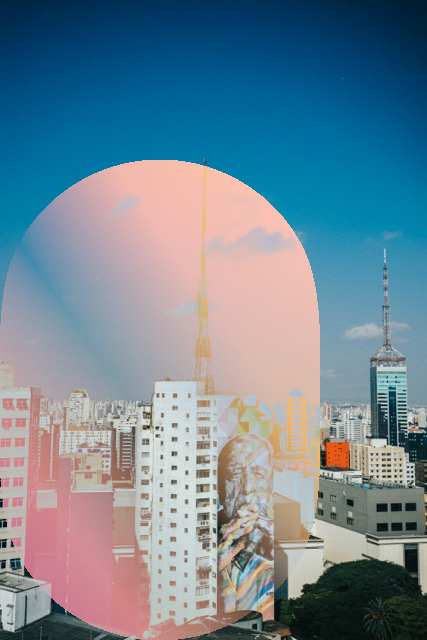
Hard Light
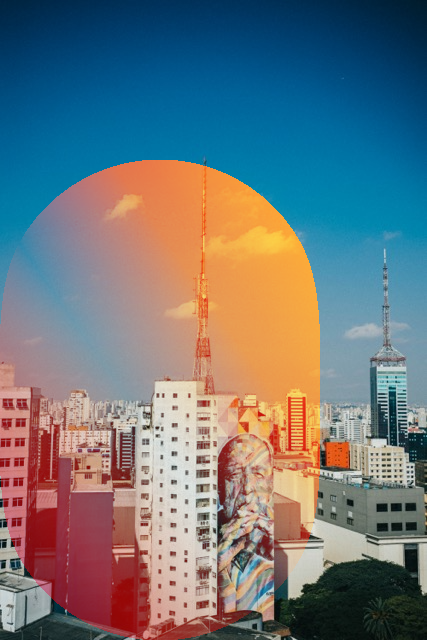
Hue
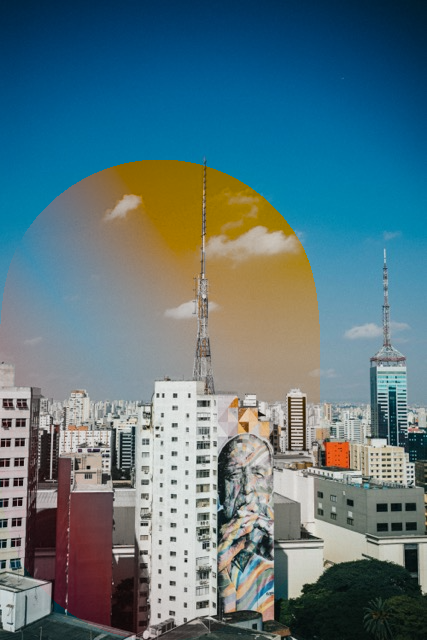
Lighten
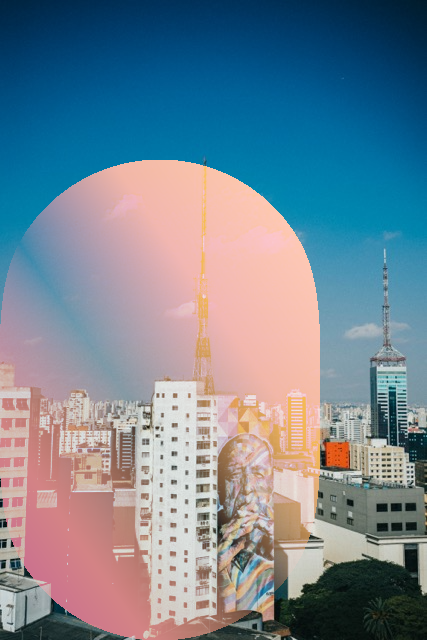
Linear Burn
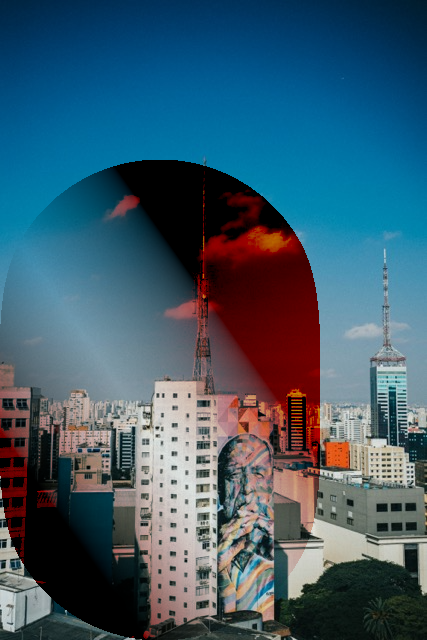
Linear Dodge
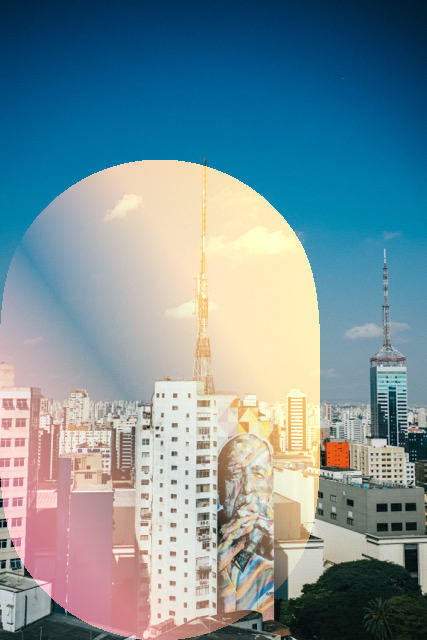
Linear Light
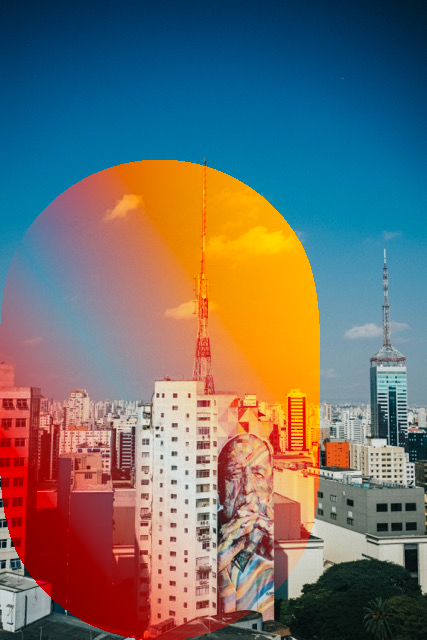
Luminosity
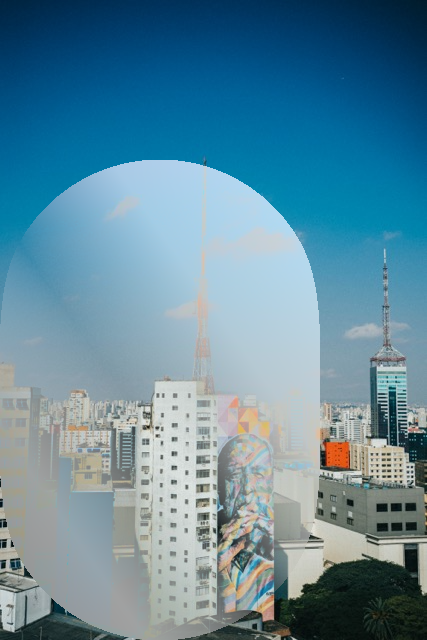
Maximum
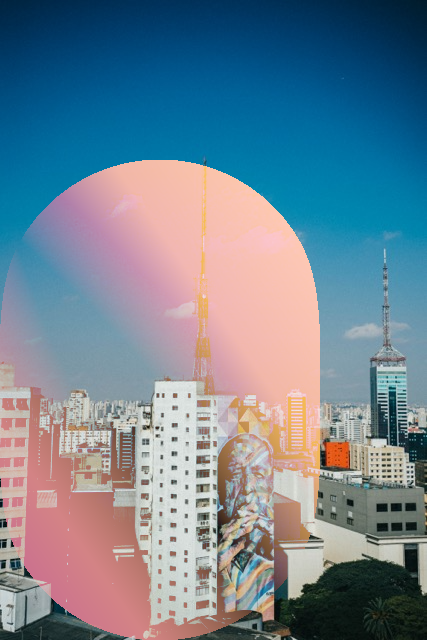
Minimum
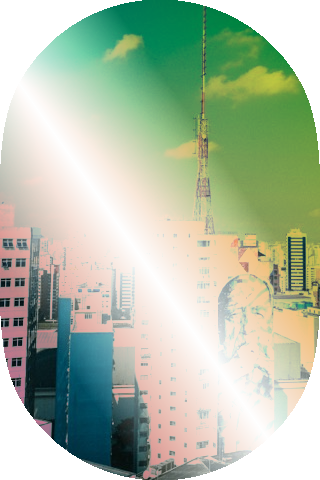
Multiply
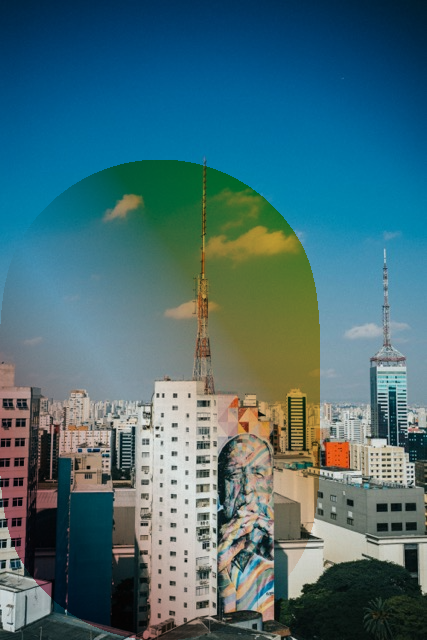
Overlay
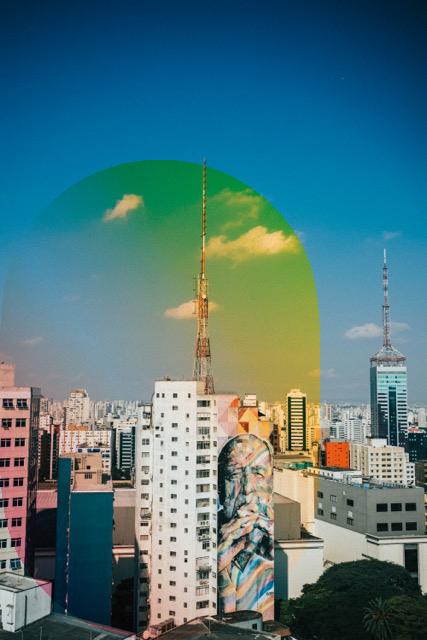
Pin Light
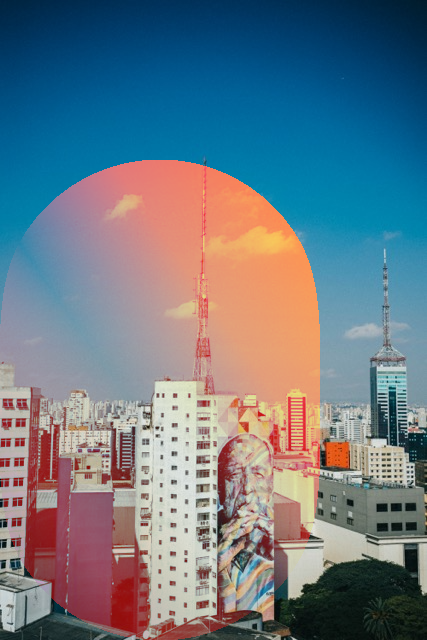
Saturation
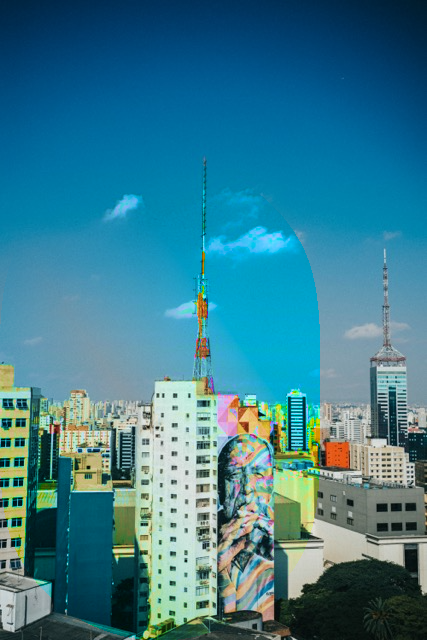
Screen
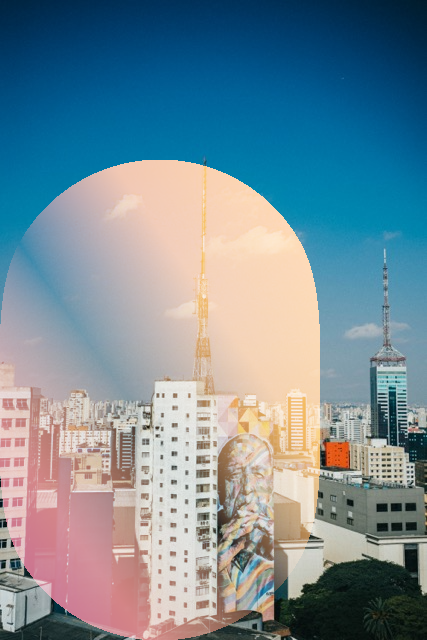
Soft Light
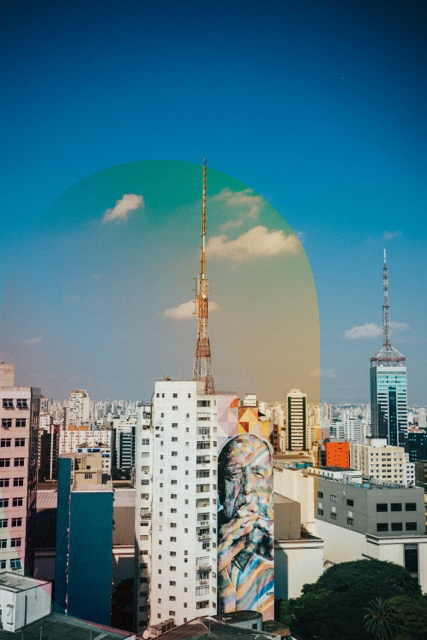
Source Atop

Source In

Source Out

Source Over
Subtract
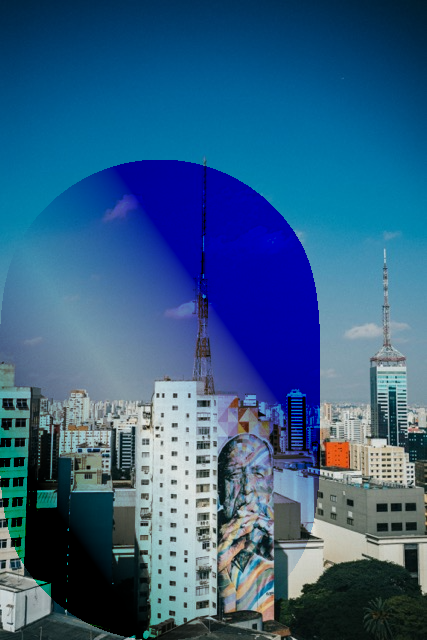
Vivid Light
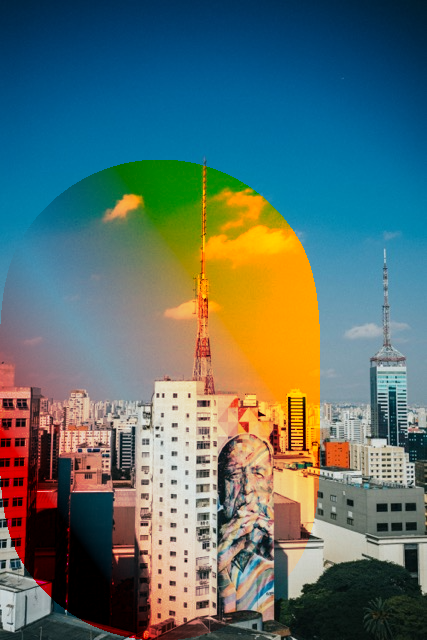
Inputs and Outputs
Inputs:
Image (Image): The image that will be composited over the background image.Mask Image (Image): The image that will mask the composite operation.Background Image (Image): The background image that will be blended over.Blend Mode (Option): The blend mode. See above for a list of all modes.Mask Type (Option): Configures which channel of the mask image will be used for masking. Options are Red, Green, Blue, Alpha, and White.Amount: The blend amount.
Outputs:
Output (Image): The output image.