Appearance
Channel Masks
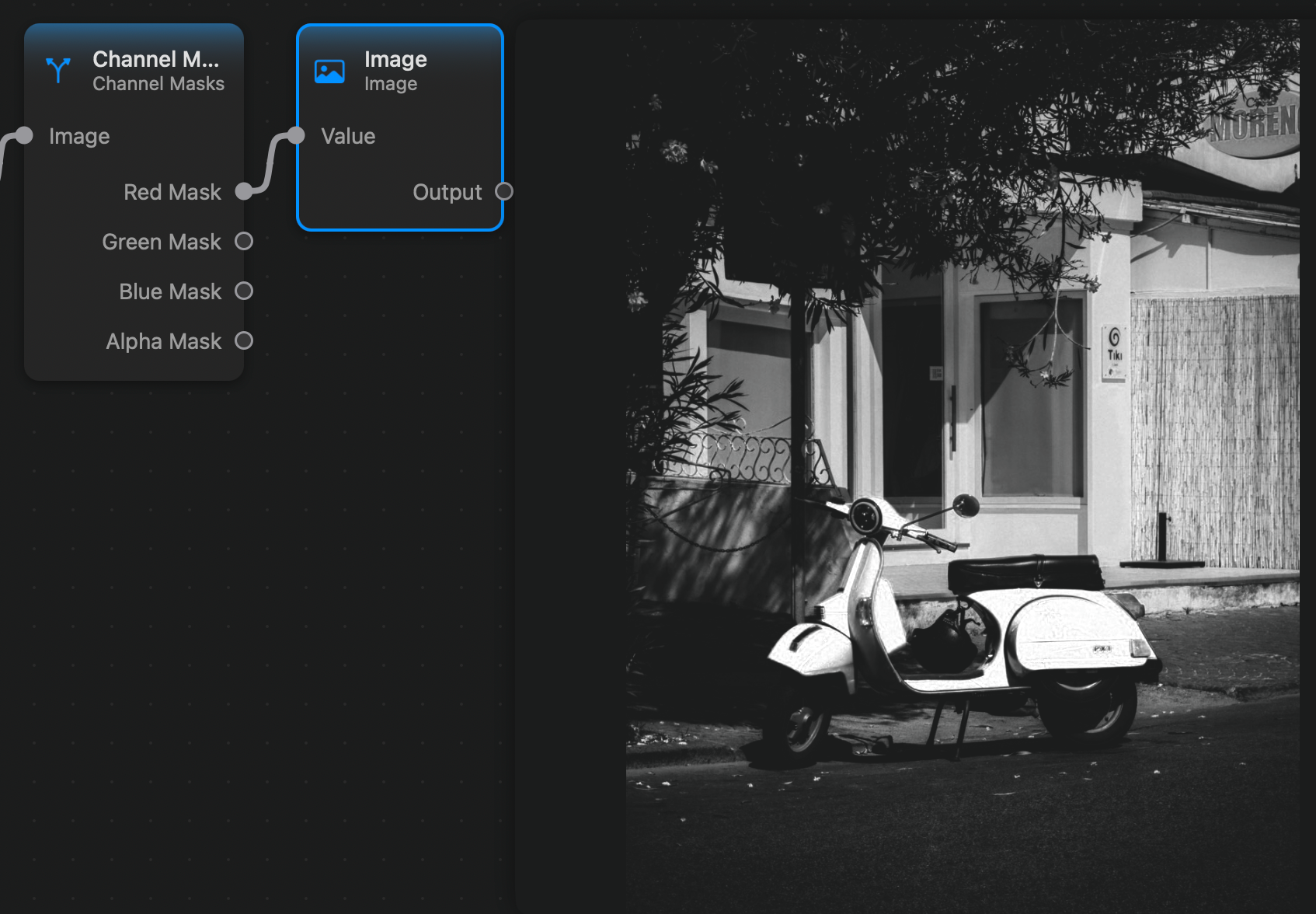
The Channel Masks node takes an image as input and outputs 4 separate grayscale images containing the values of the input image's red, green, blue, and alpha channels.
Here is an example where we extract the image's red channel:
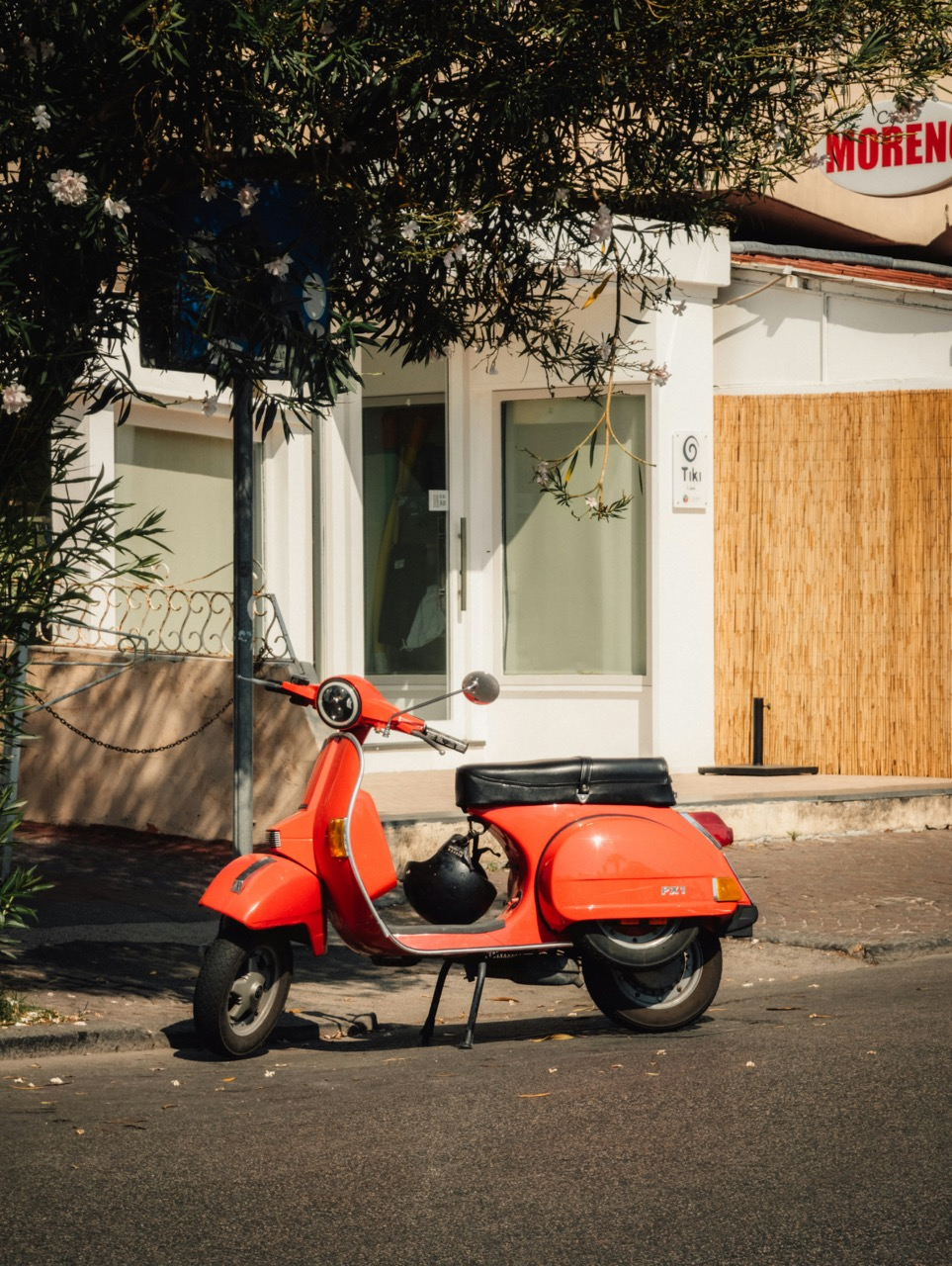
For this is the input image:
Inputs and Outputs
Inputs:
Image (Image): The input image.
Outputs:
Red Mask (Image): A grayscale mask image containing the input image's red channel.Green Mask (Image): A grayscale mask image containing the input image's green channel.Blue Mask (Image): A grayscale mask image containing the input image's blue channel.Alpha Mask (Image): A grayscale mask image containing the input image's alpha channel.