Appearance
Text Style
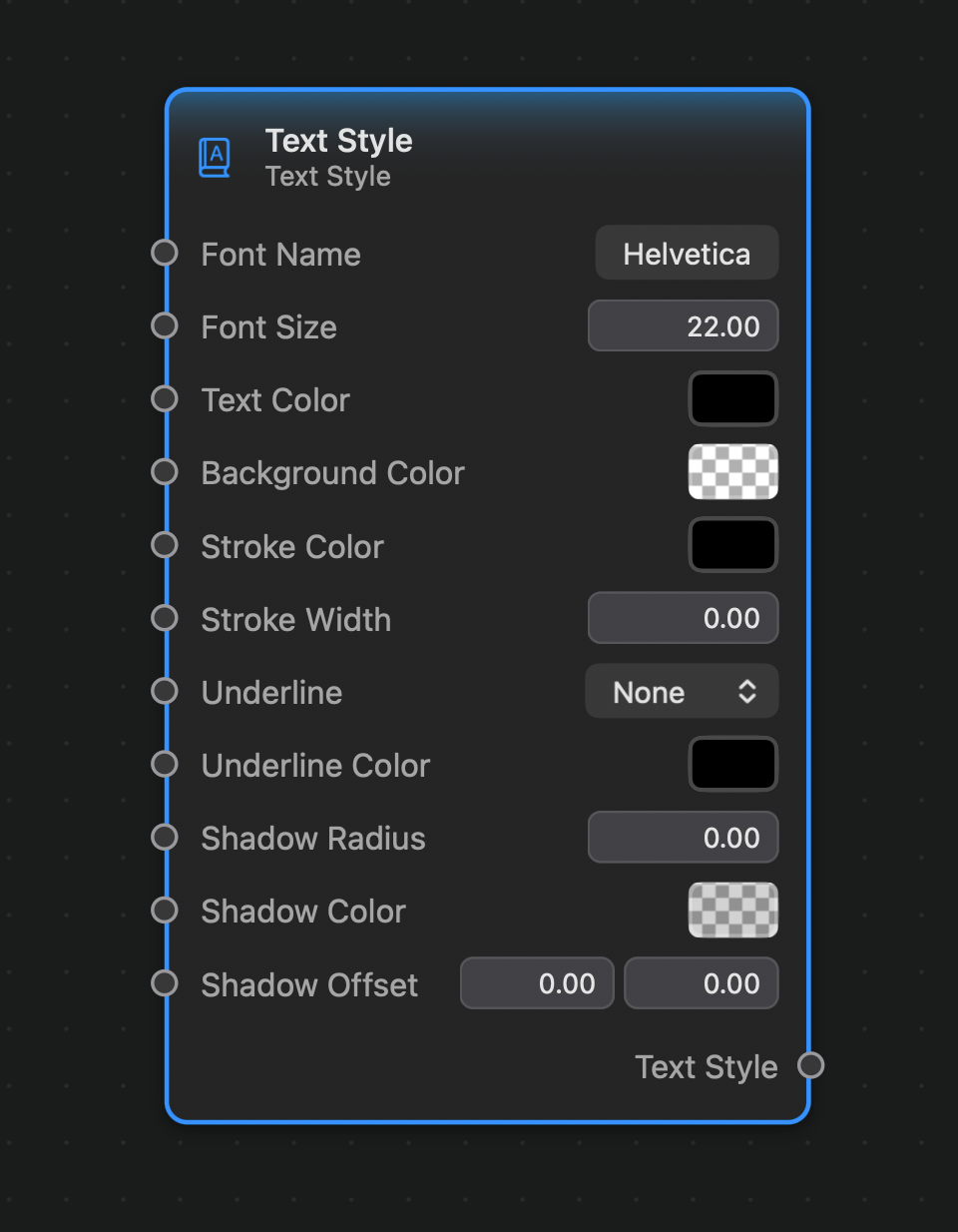
The Text Style node creates a Text Style value, which can be used by the Text Generator node to render fragments of text.
Inputs and Outputs
Inputs:
Font Name (String): The name of the font. Clicking on the font name button will open the system's font picker.Font Size (Float): The size of the font.Text Color (Color): The fill color used to render the text.Background Color (Color): The color used to draw the background.Stroke Color (Color): The color used to draw the text's outline stroke.Stroke Width (Float): The width of the text's outline stroke.Underline (Option): The style of the text's outline. Options are None, Single and Thick.Shadow Radius (Float): The radius of the text's drop shadow.Shadow Color (Color): The color of the text's drop shadow.Shadow Offset (Vector 2): The offset of the text's drop shadow.
Outputs:
Output: a Matrix 2x2 value.