Appearance
Color Monochrome
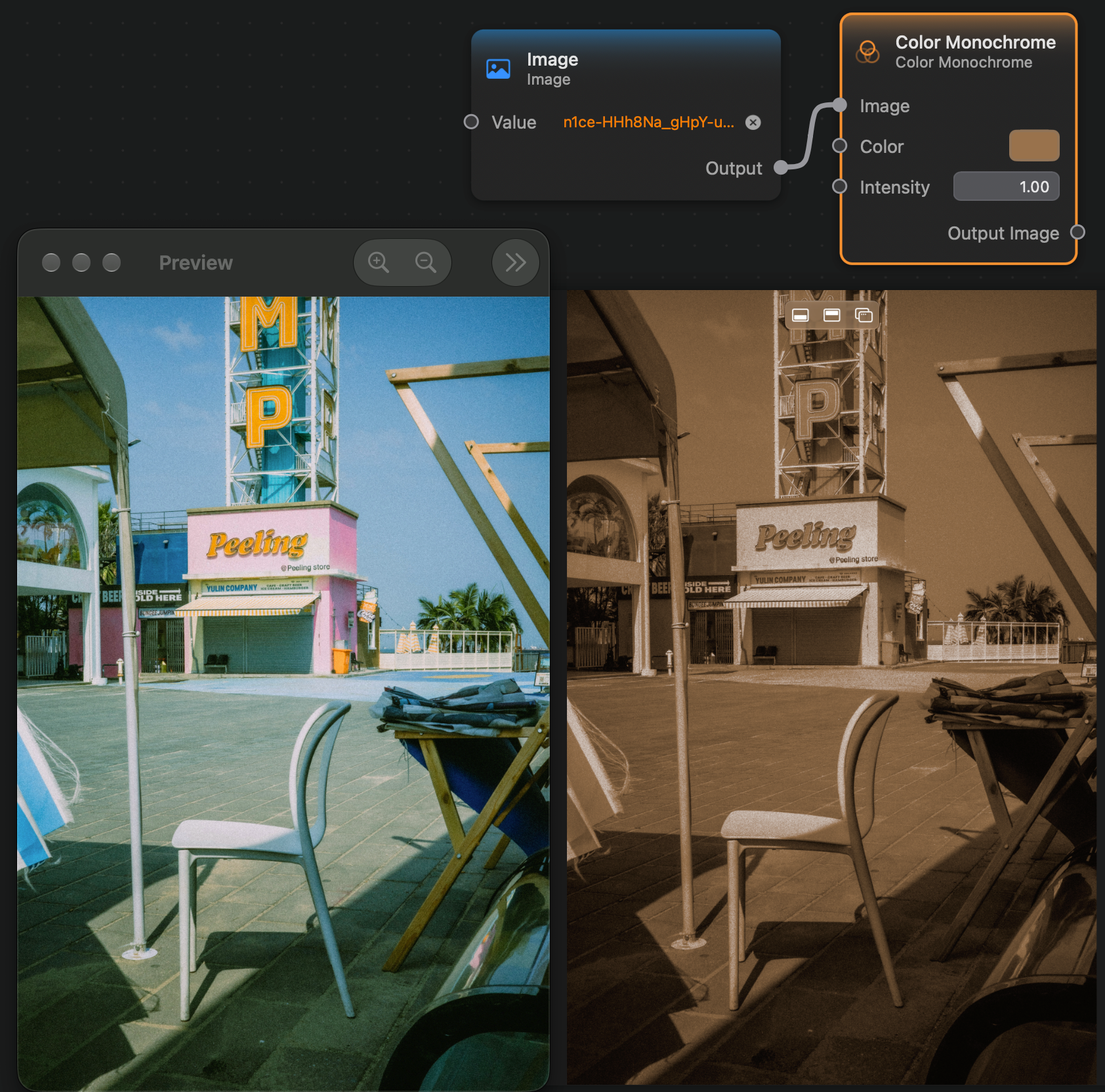
The Color Monochrome node applies a filter that tints the image with a given color. In the maximum intensity, the filter will make the image have only shades of that color.
Inputs and Outputs
Inputs:
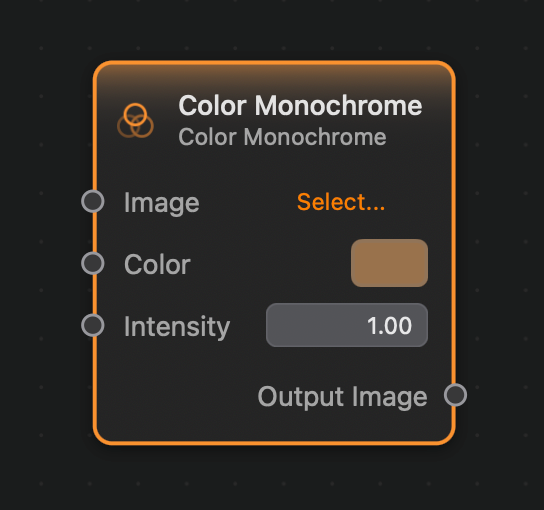
Image (Image): The input image.Color (Color): The color that will be used to tint the input image.Intensity (Float): The intensity of the effect. Setting the intensity to0.0will have no effect; setting the intensity to1.0will output a monochrome image whose colors are all shades ofColor.
Outputs:
Output (Image): The output image.
Example
Here is a small example of this node in action: