Appearance
Stretch Crop
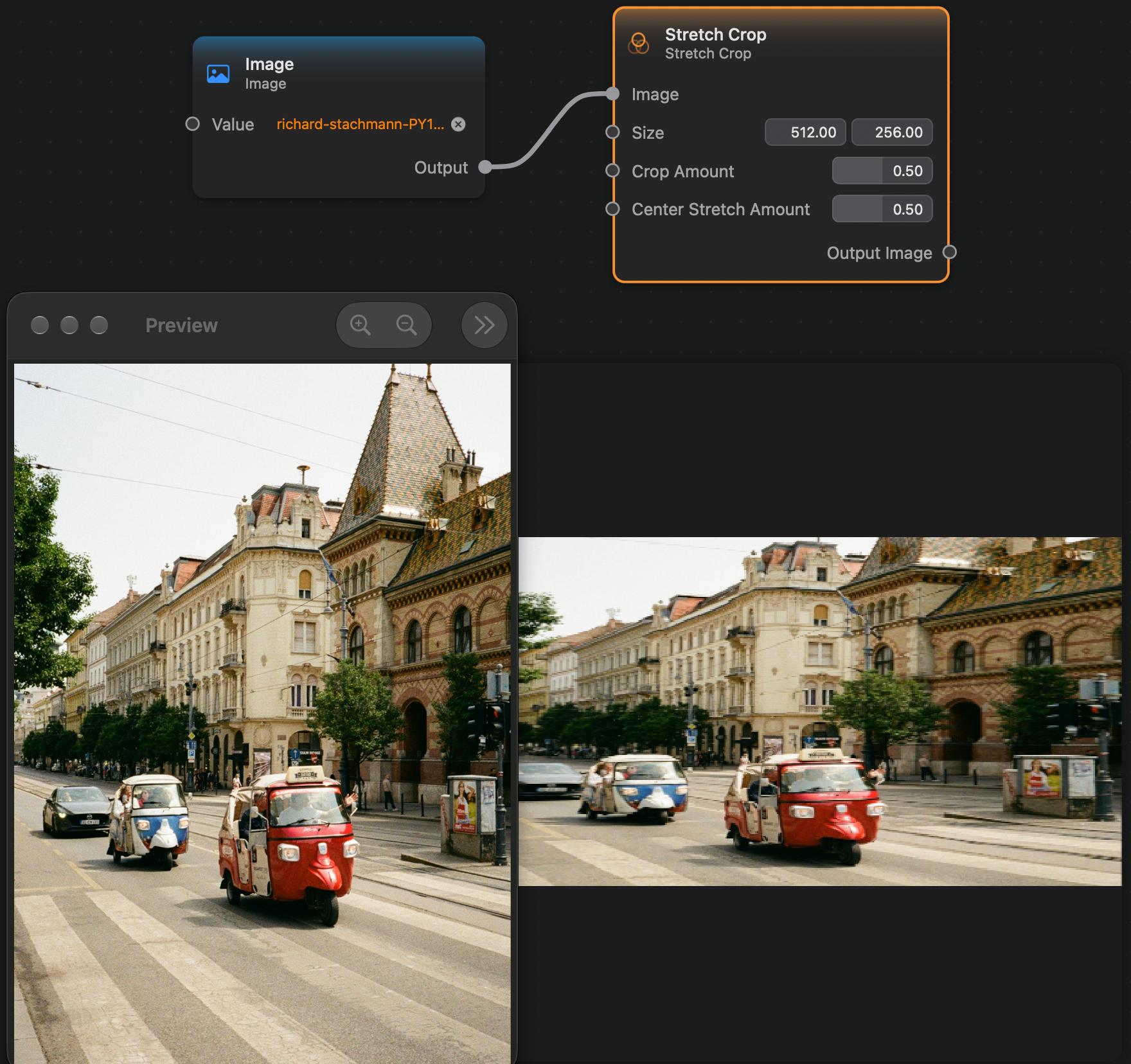
The Stretch Crop node applies a filter that resizes an image, and stretches and crops it to fit the final size.
The stretching is controlled by the Center Stretch Amount input. When its equal to zero, only the sides of the image are stretched while the center maintains the aspect ration. When it is set to one, the center is stretched as much as the sides.
The cropping is controlled by the Crop Amount input. When its zero, the image is not cropped at all. When it is set to one, the image is cropped to maintain its original aspect ratio.
Inputs and Outputs
Inputs:
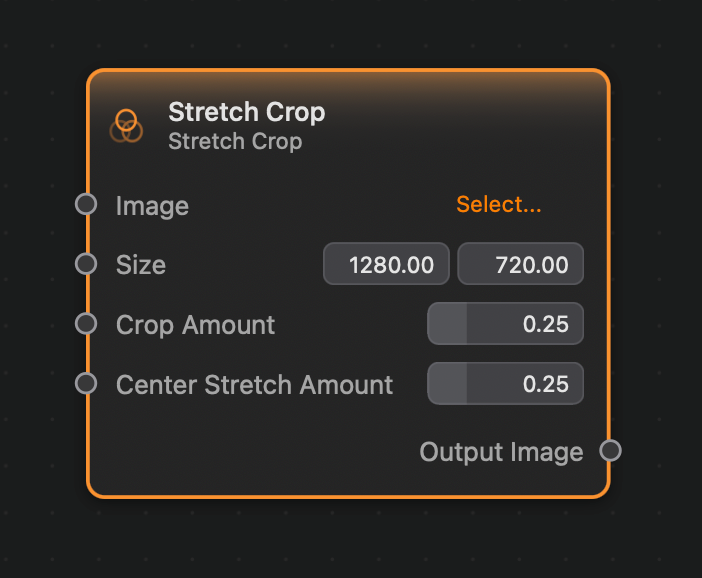
Image (Image): The input image.Size (Vector 2): The size of the output image, theXcomponent of the vector corresponding to the width and theYcomponent of the vector to the height.Crop Amount (Float): Controls how much of the image is cropped. A value of0means no cropping, and a value of1means the image will be cropped to maintain its aspect ratio.Center Strectch Amount (Float): Controls how much the image is stretched. A value of0means only the sides of the image will be stretched, while the center maintains its aspect ration. A value of1means the center will be stretched as much as the sides of the image.
Outputs:
Output (Image): The output image.
Example