Appearance
Tone Map
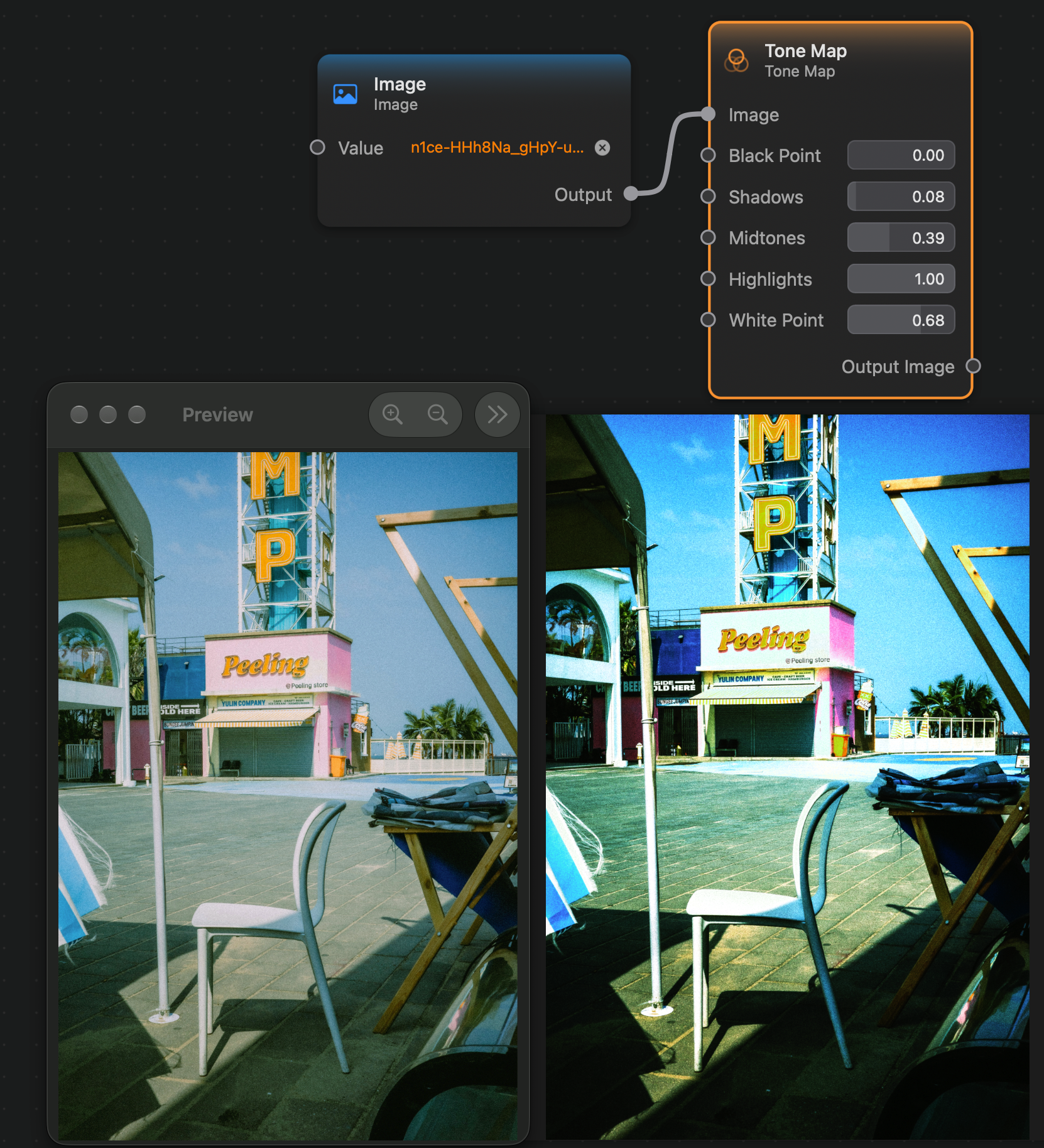
The Tone Map node allows you to adjust the black point, shadows, mid-tones, highlights, and white point of the input image.
It works similarly to the curves adjustment in other applications, but with 5 equally spaced control points: the black point at 0.0, the shadows point at 0.25, the mid-tones point at 0.5, the highlights point at 0.75 and the white point at 1.0.
Inputs and Outputs
Inputs:
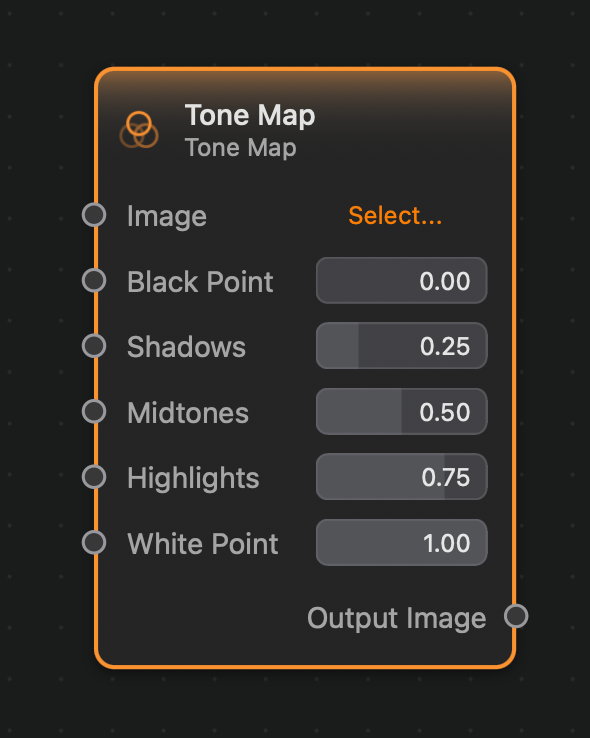
Image (Image): The input image.Black Point (Float): The value of the tone map curve at the black point0.0.Shadows (Float): The value of the tone map curve at the shadows point0.25.Midtones (Float): The value of the tone map curve at the mid-tones point0.50.Highlights (Float): The value of the tone map curve at the highlights point0.75.White Point(Float): The value of the tone map curve at the white point1.0.
Outputs:
Output (Image): The output image.
Example
Here is a small example of this node in action: