Appearance
Combine RGBA Masks
The Combine RGBA Masks combines 4 input mask images and combines them by assigning each of the output image's RGBA channels to the values of the mask images.
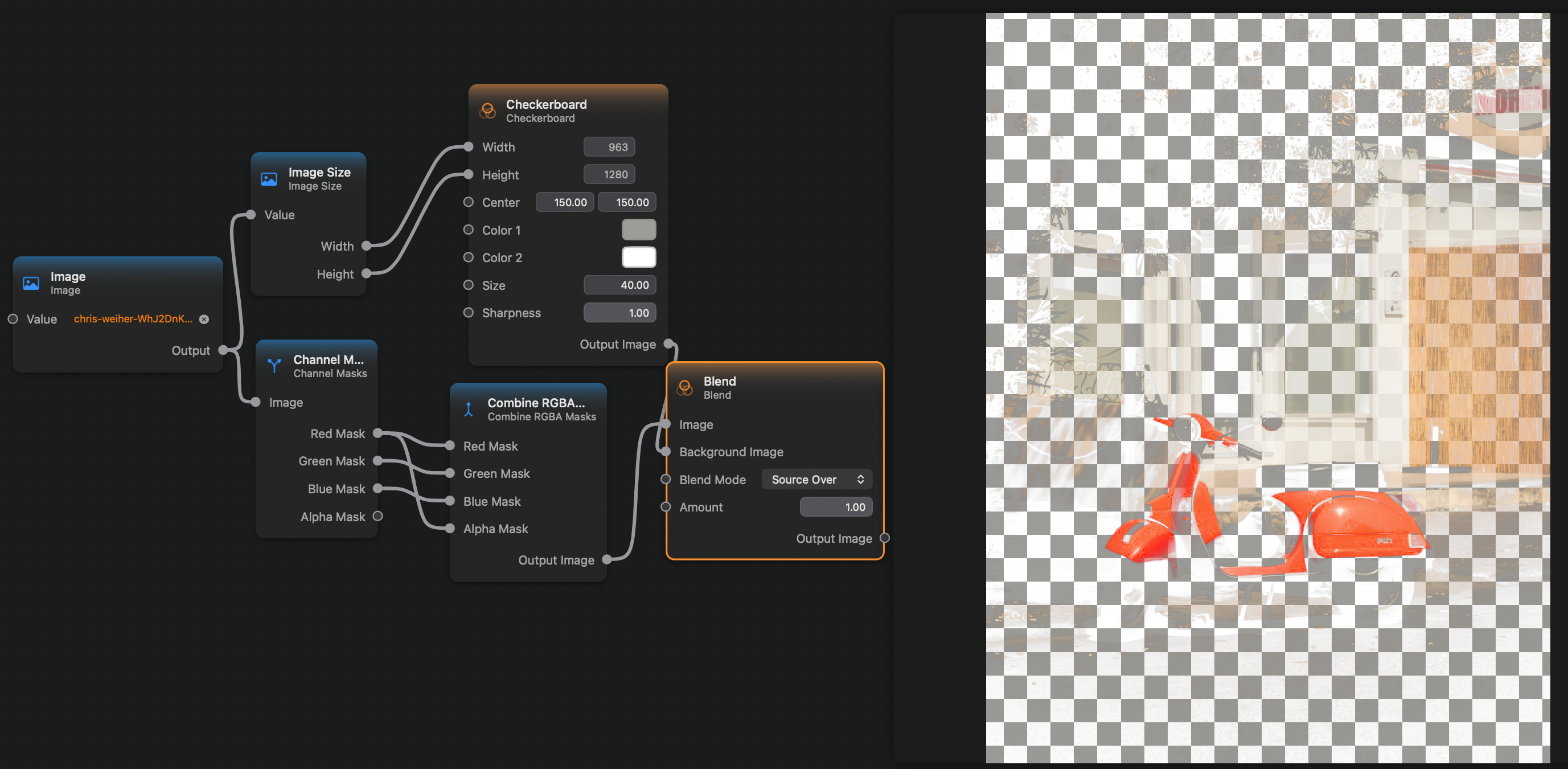
Here is an example where take the output of the Channel Masks node and combine the masks, setting the alpha channel of the final image to be equal to the original image's red channel.
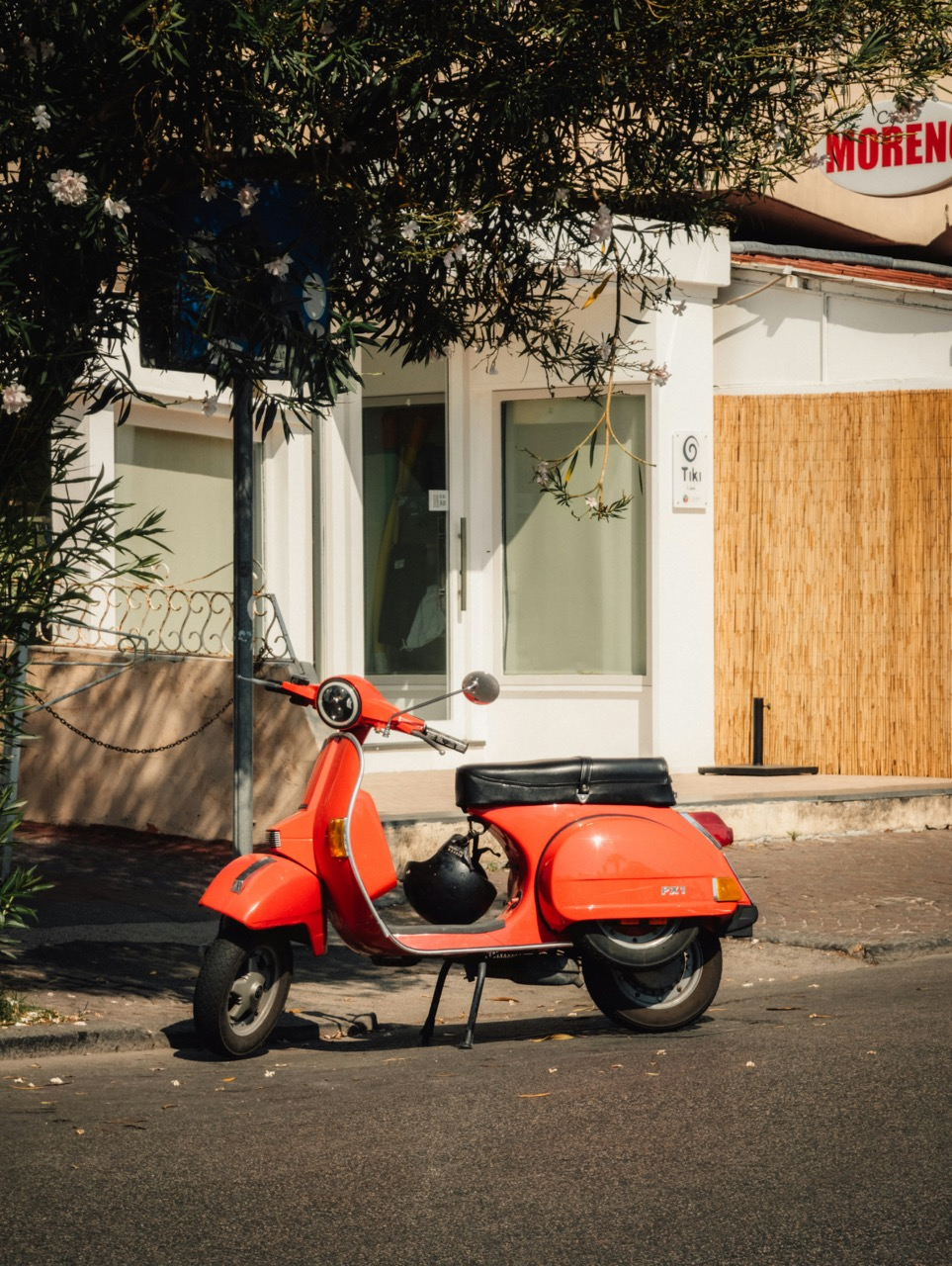
For this is the input image:
Inputs and Outputs
Inputs:
Red Mask (Image): A grayscale mask image which will form the output image's red channel.Green Mask (Image): A grayscale mask image which will form the output image's green channel.Blue Mask (Image): A grayscale mask image which will form the output image's blue channel.
Outputs:
Output Image (Image): The output image.