Appearance
Color Map
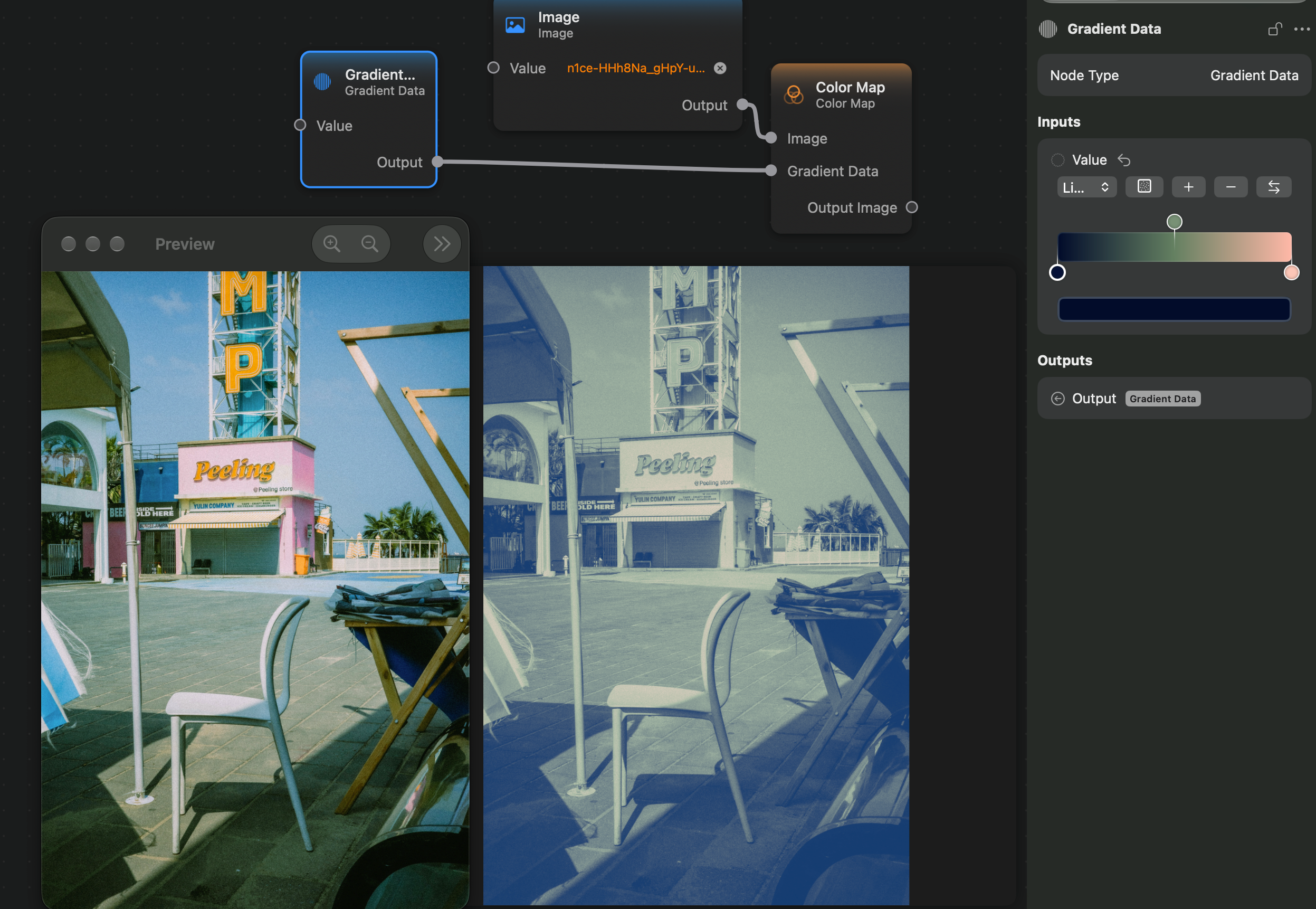
The Color Map node applies a filter that maps the input image's luminance grayscale shades to the shades give by the Gradient Data input.
It works by first converting the input image to a grayscale image by computing its luminance. Next, it will map the black-white range of colors to the input gradient range of colors. The left-most color of the gradient will be mapped to the black color, and the right-most color of the gradient will be mapped to the white color.
Inputs and Outputs
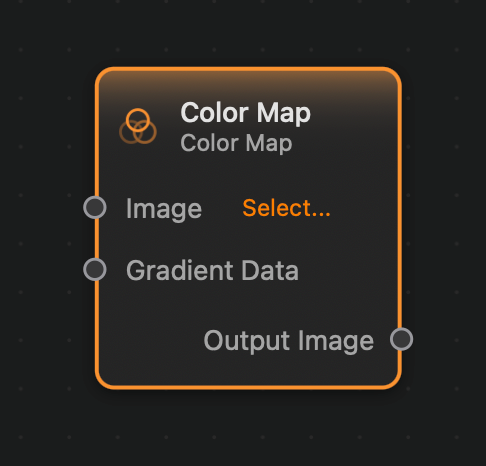
Inputs:
Image (Image): The input image.Gradient Data (Gradient Data): The gradient that will be used to map the colors of the image.
Outputs:
Output (Image): The output image.
Example
Here is a small example of this node in action: