Appearance
Edges 3D
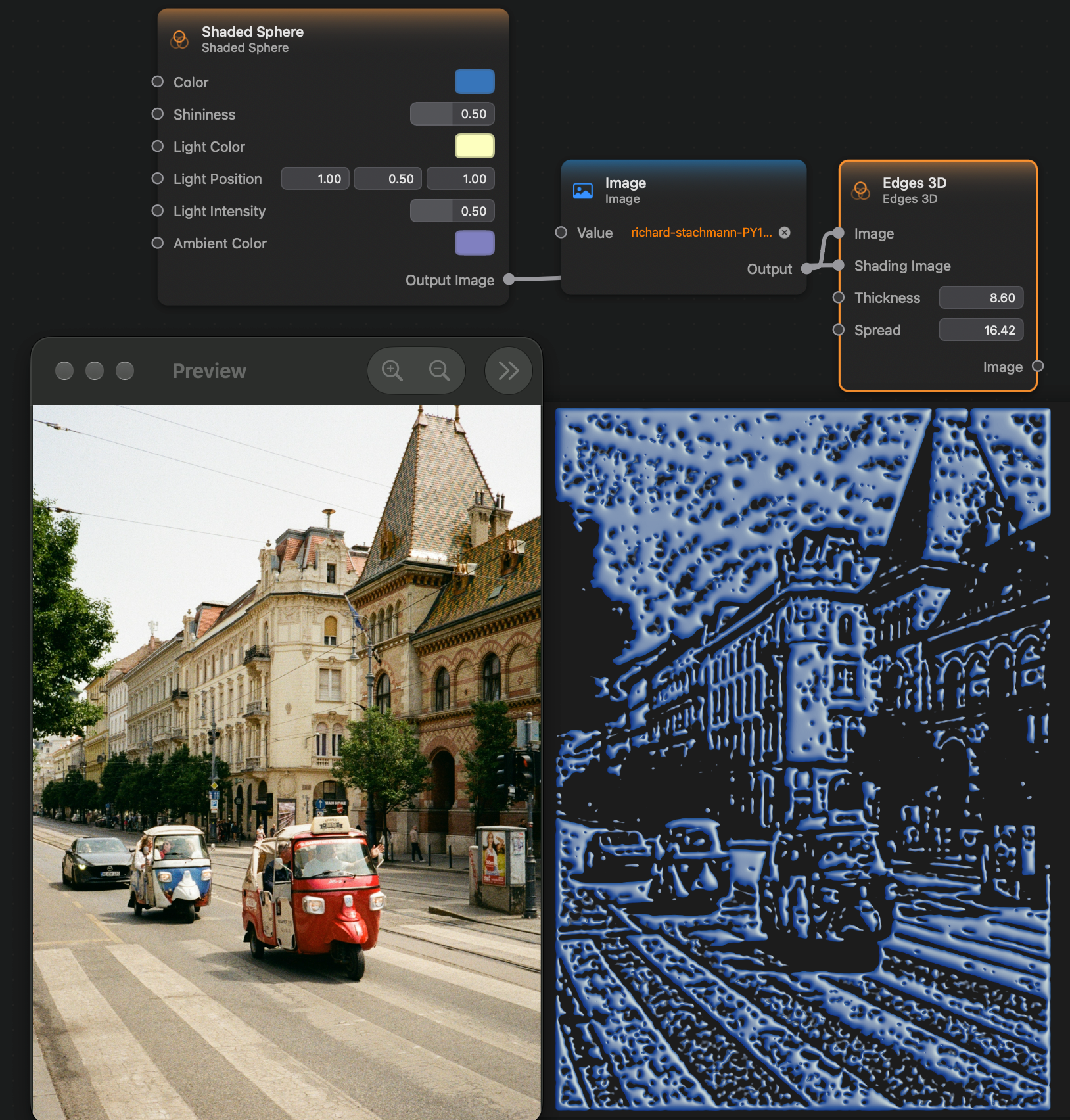
The Edges 3D node applies a filter that detects and enhances the edges of an image by shading them according to the Shading Image given as input, giving it a 3D-shaded look.
A good source for the Shading Image is the output of the Shaded Sphere node.
Inputs and Outputs
Inputs:
Image (Image): The input image.Shading Image (Image): The image that will determine the shading and lighting of the edges.Thickness (Float): The thickness of the edges.Spread (Float): How spread out the edges are.
Outputs:
Output Image (Image): The output image.