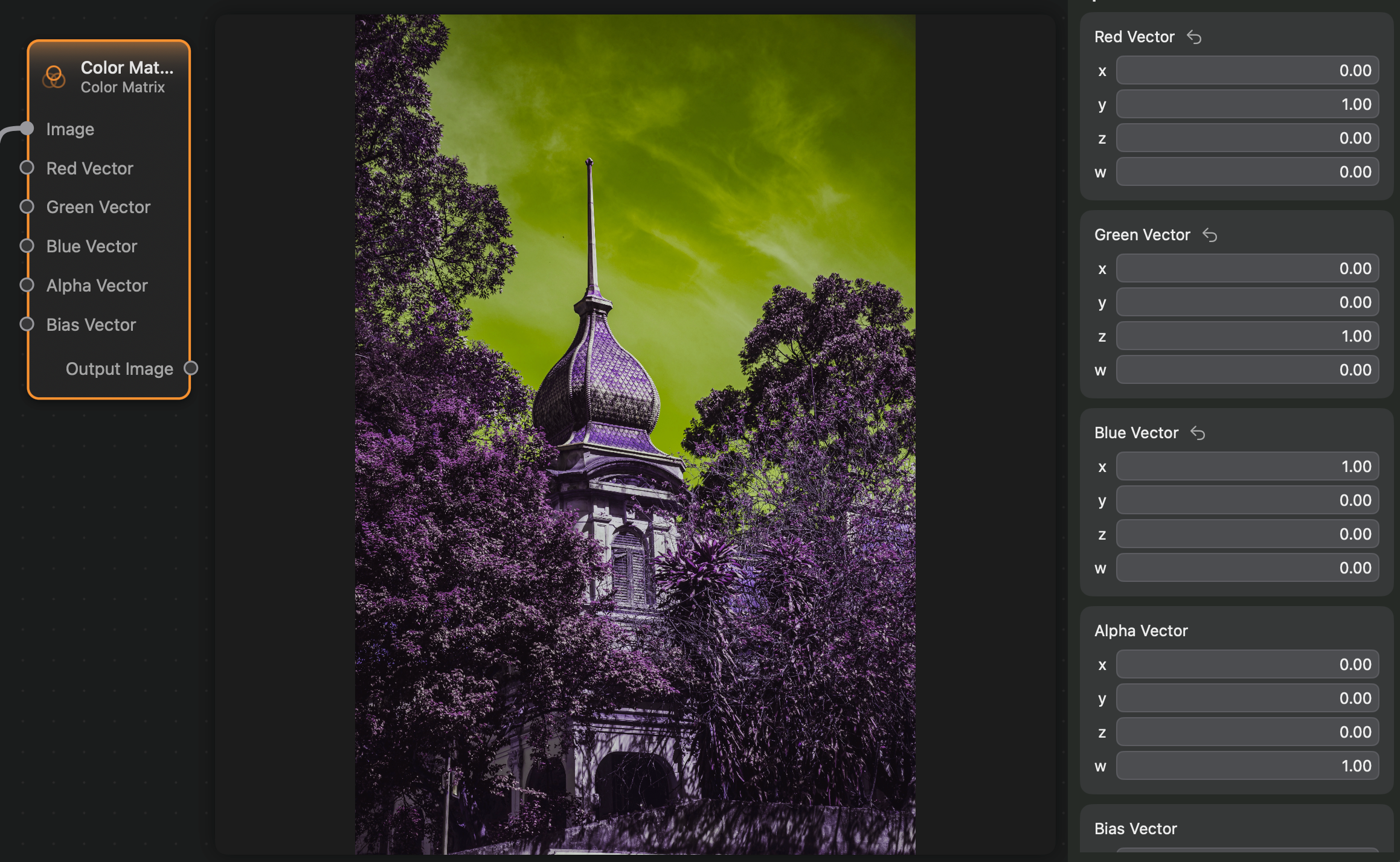
Appearance
Color Matrix
The Color Matrix to transform the color channels of an image based on the values of all of channels of the color.
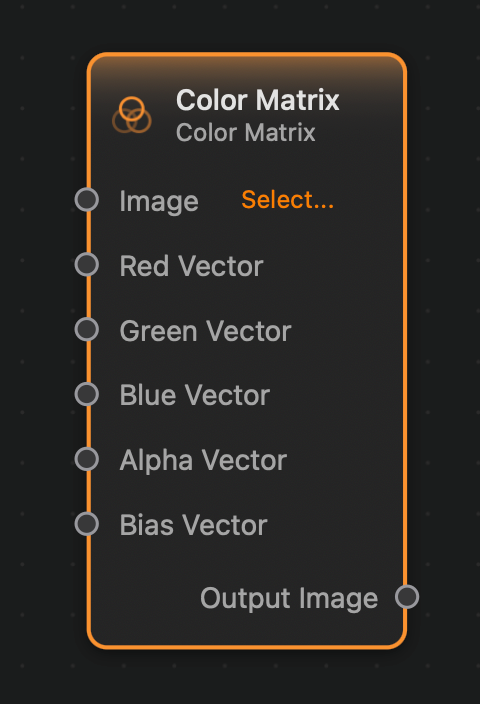
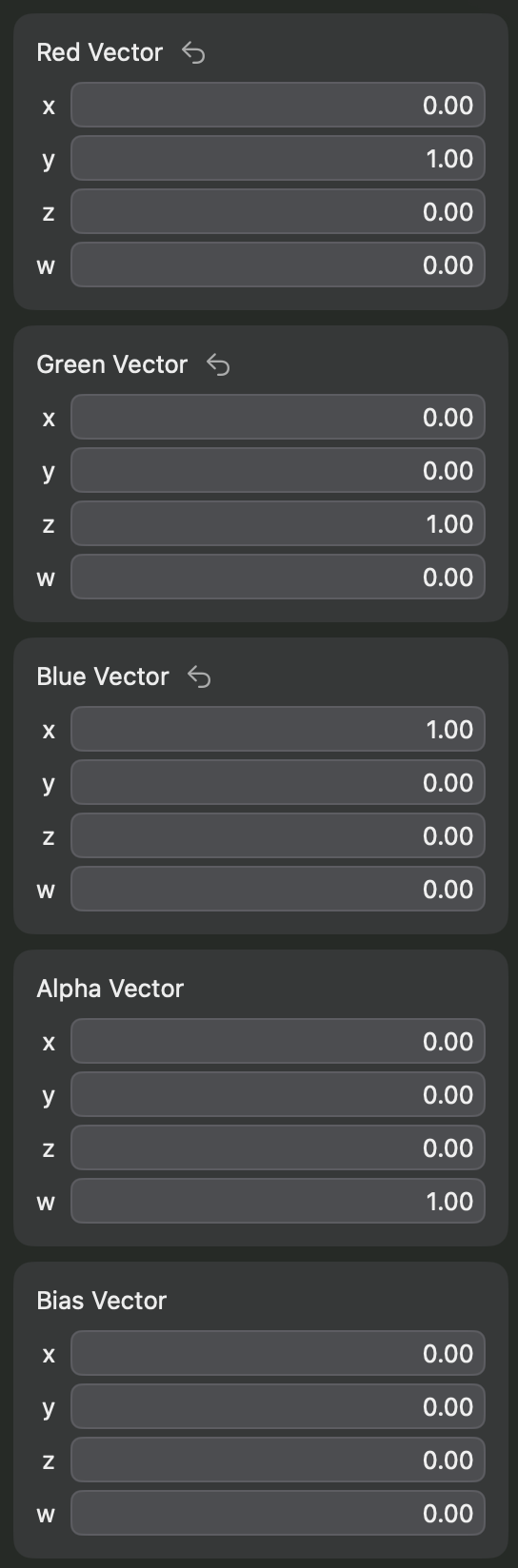
As this node's controls are quite complex, they are only displayed on the inspector panel:
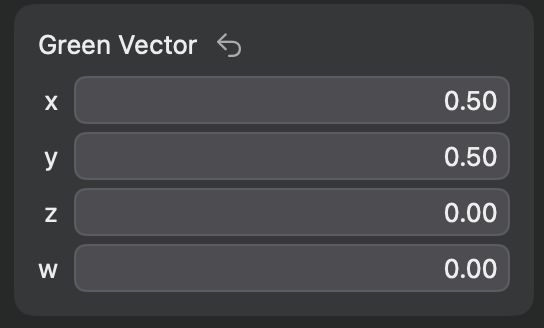
For instance, we may want to have the image's green channel to be equal to half of the input image's red channel plus half of the images blue channel. In mathematical terms: . This can be achieve by the following green vector:
In general terms, the output color is obtained as a matrix multiplication of the 4 by 4 matrix whose columns are the input vectors with the column vector which is the input color:
Inputs and Outputs
Inputs:
Red Vector (Vector 4): The red column of the color matrix. This will determine the value of the red channel of the output image, via the formula:
Green Vector (Vector 4): The green column of the color matrix. This will determine the value of the green channel of the output image, via the formula:
Blue Vector (Vector 4): The blue column of the color matrix. This will determine the value of the blue channel of the output image, via the formula:
Alpha Vector (Vector 4): The alpha column of the color matrix. This will determine the alpha value of the output color, via the formula:
Bias Vector (Vector 4): The bias vector has components which will be added to each channel after the matrix operation.
Outputs:
Output (Image): The output image.
Example
Here is a small example of this node in action. In this example the green colors are replaced with red, the blue colors are replaced with green and the red colors are replaced with blue.