Appearance
Mask to Alpha
The Mask to Alpha node accepts as input a grayscale mask image, and output an image whose alpha component is proportional to the blackness of the mask. White portions of the image have alpha set to one, while black portions of the image have alpha set to zero, becoming completely transparent.
Inputs and Outputs
Inputs:
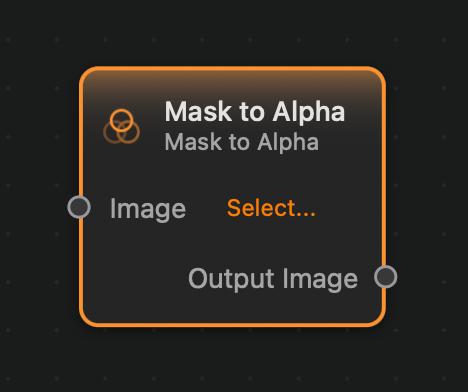
Image (Image): The input image.
Outputs:
Output (Image): The output image.
Example
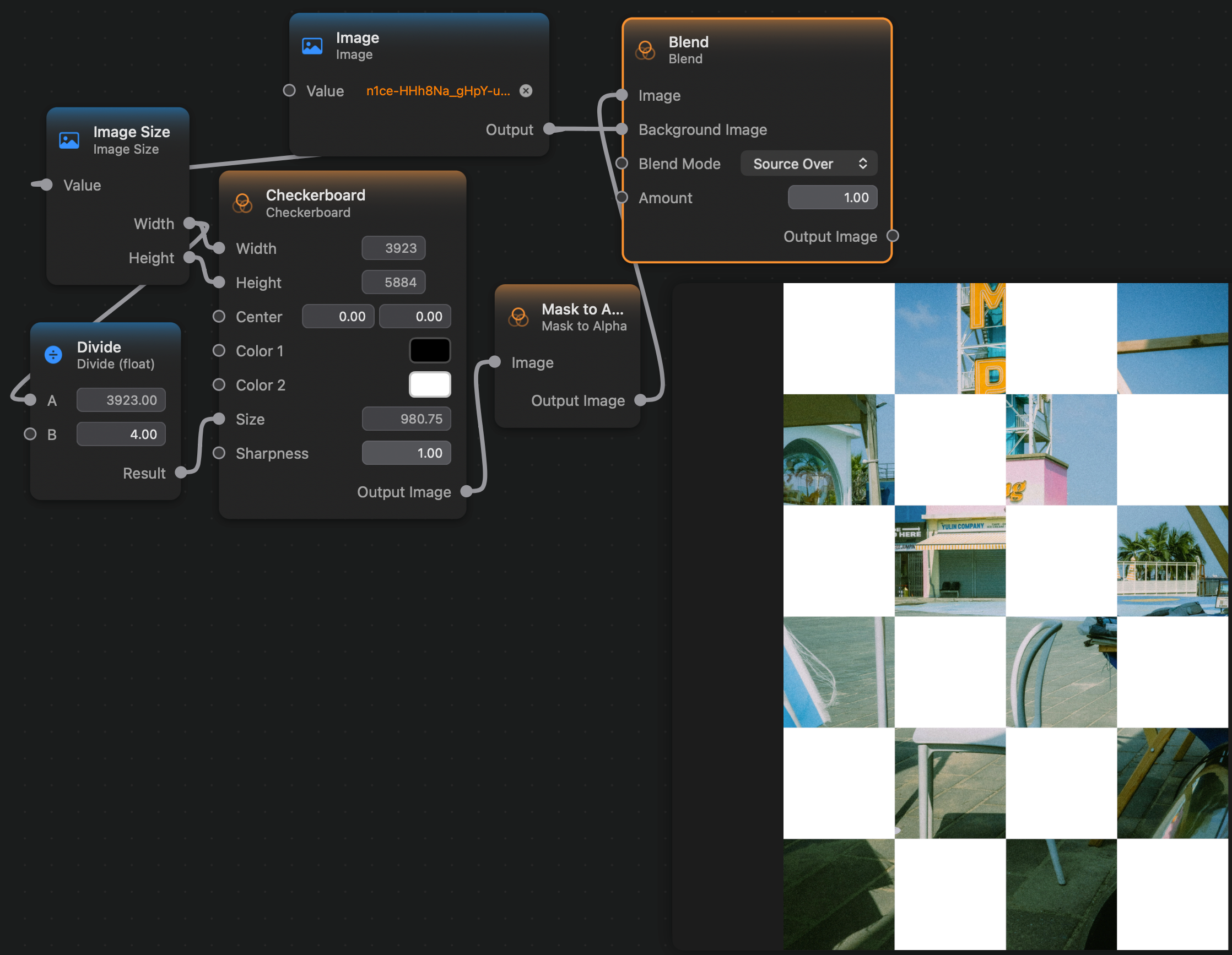
Here is a small example where we use the Mask to Alpha node on a black-and-white checkerboard pattern, and then place the result over an image.