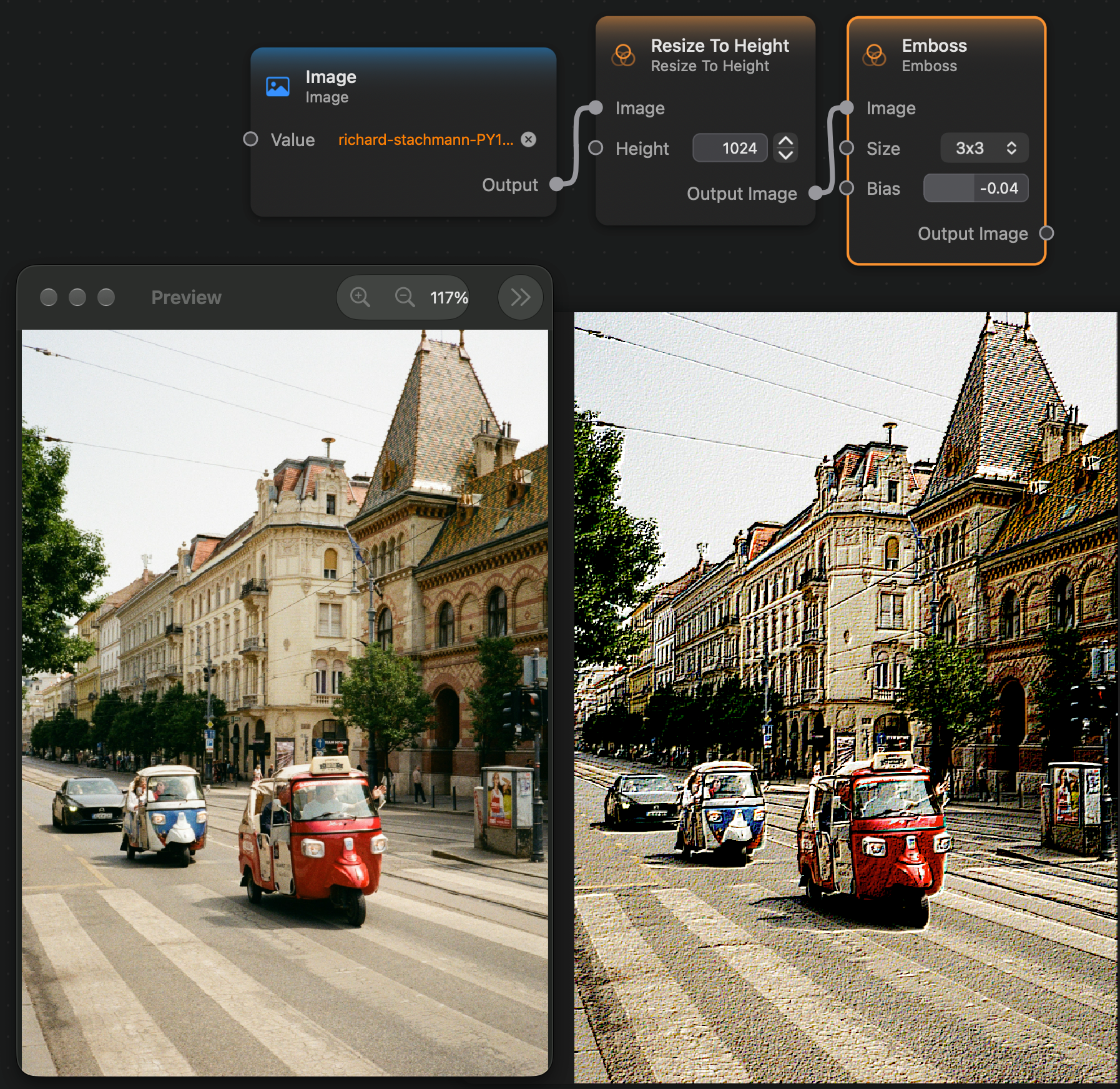
Appearance
Emboss
The Emboss node applies embossing effect on the image that enhances edges that appear in it.
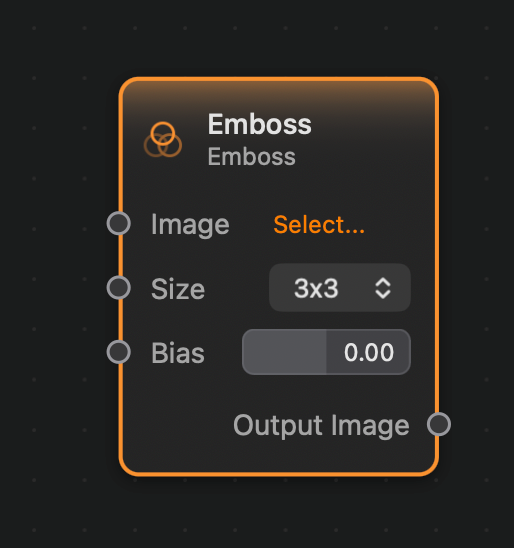
Inputs and Outputs
Inputs:
Image (Image): The input image.Size (Option): The size of the kernel. Possible options are 3x3 and 5x5.Bias (Float): A bias value that will be added to all color channels.
Outputs:
Output (Image): The output image.
Example