Appearance
Color Posterize
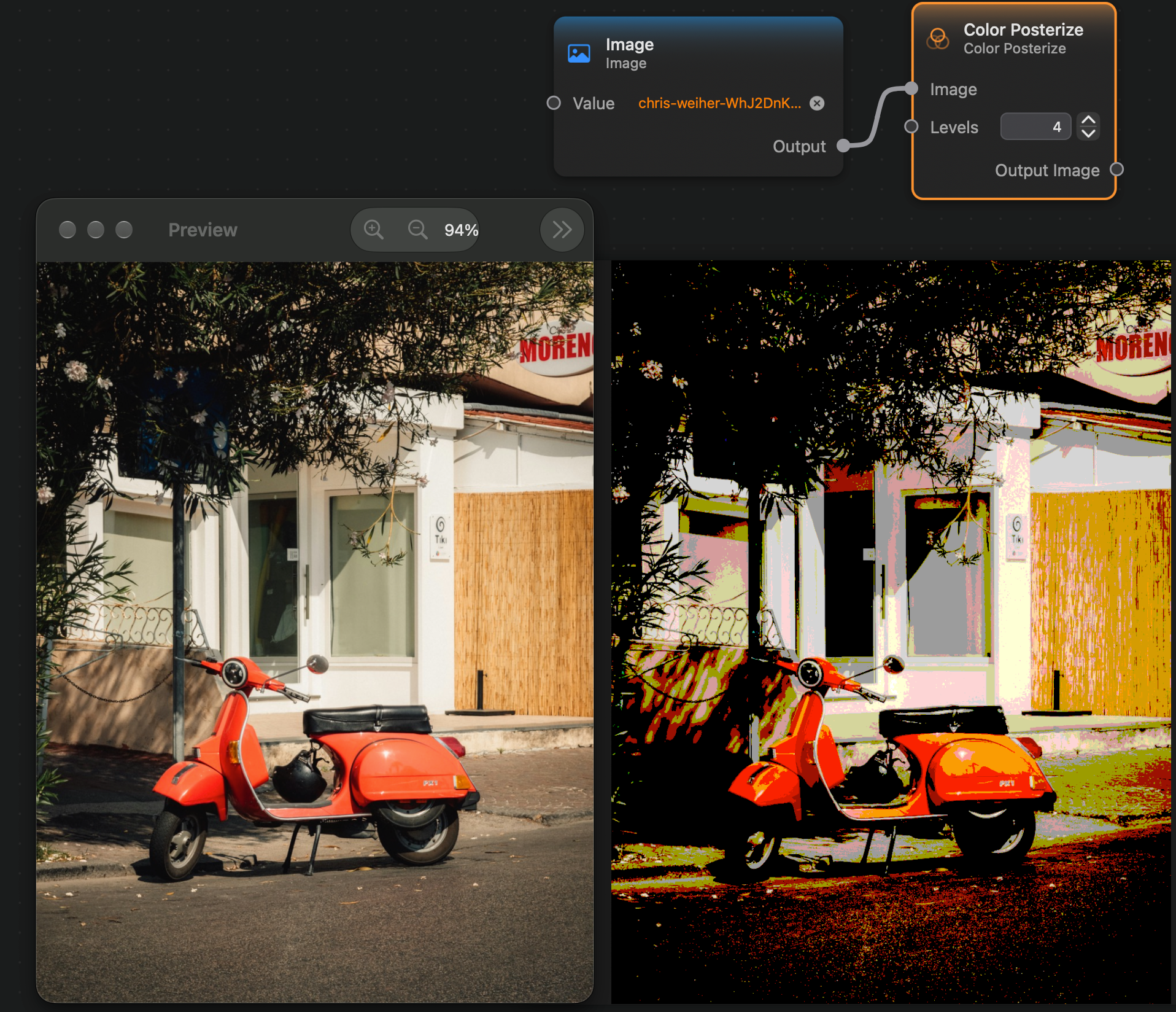
The Color Posterize node reduces the number of colors of an image to the number given by the Levels input value. E.g., if we set Levels to 2 it will output an image with only 2 colors, if we set it to 3 it will output an image with 3 colors, and so on.
It will chose the most important colors of the image to keep for a given level, and for each pixel chose the most appropriate of these colors to use.
Inputs and Outputs
Inputs:
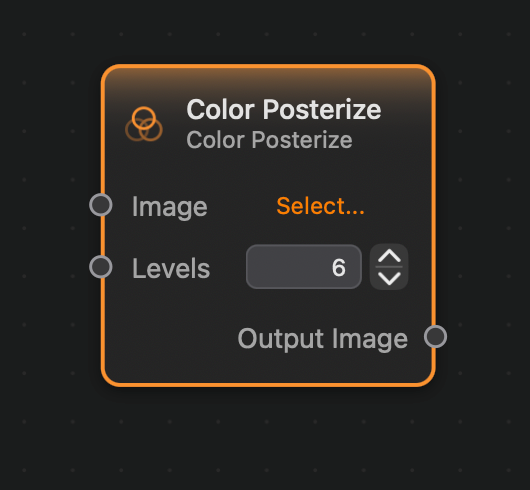
Image (Image): The input image.Levels (Integer): The number of colors in the output image.
Outputs:
Output (Image): The output image.
Example
Here is a small example of this node in action: