Appearance
Highlight and Shadow Adjust
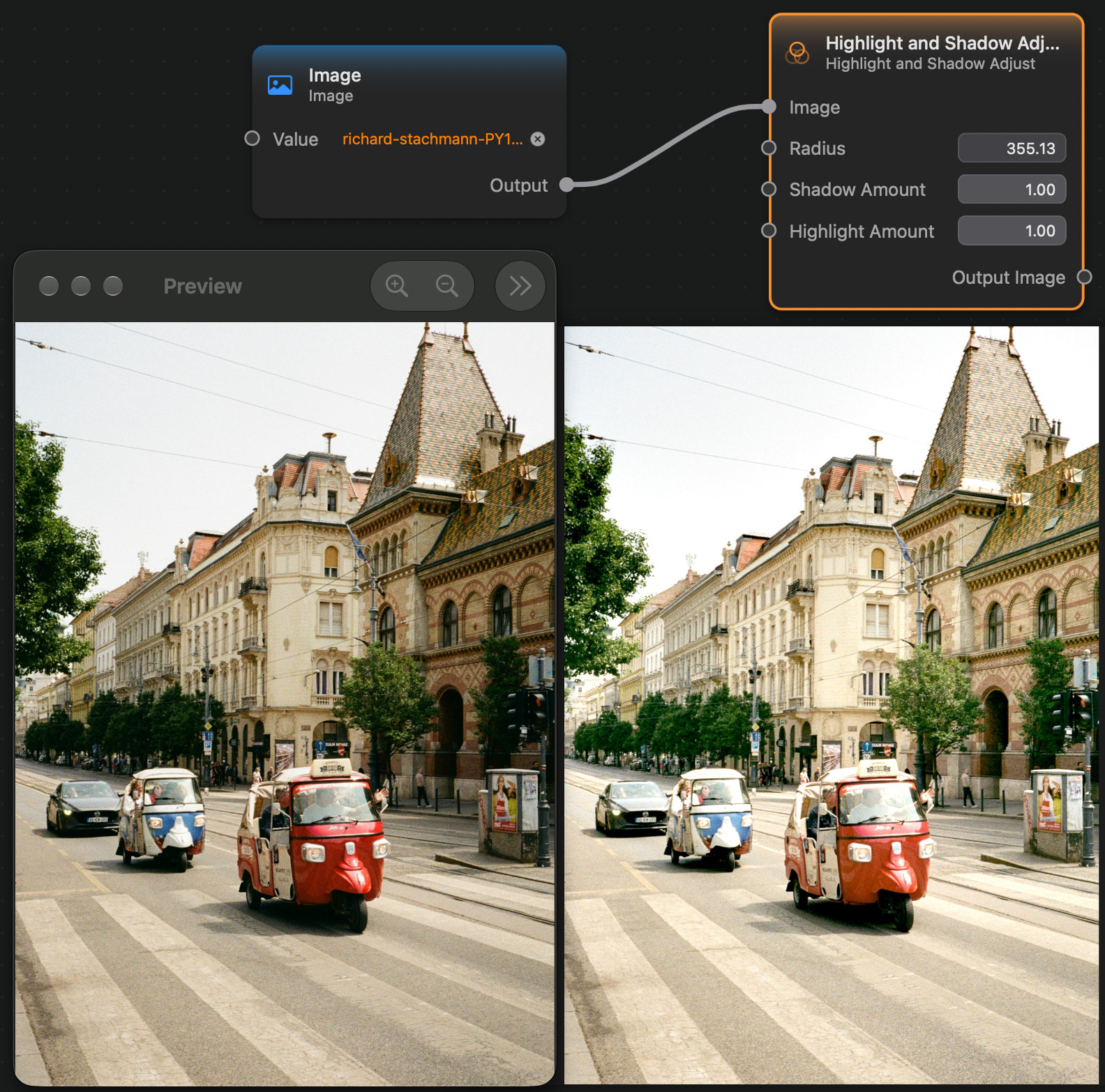
The Highlight and Shadow Adjust node allows you to adjust the highlights and shadows of an image.
Inputs and Outputs
Inputs:
Image (Image): The input image.Radius (Float): The radius of the effect.Shadow Amount (Float): Higher values will make the shadow lighter.Highlight Amount (Float): Lower values will make the highlights darker.
Outputs:
Output Image (Image): The output image.