Appearance
CMYK Halftone
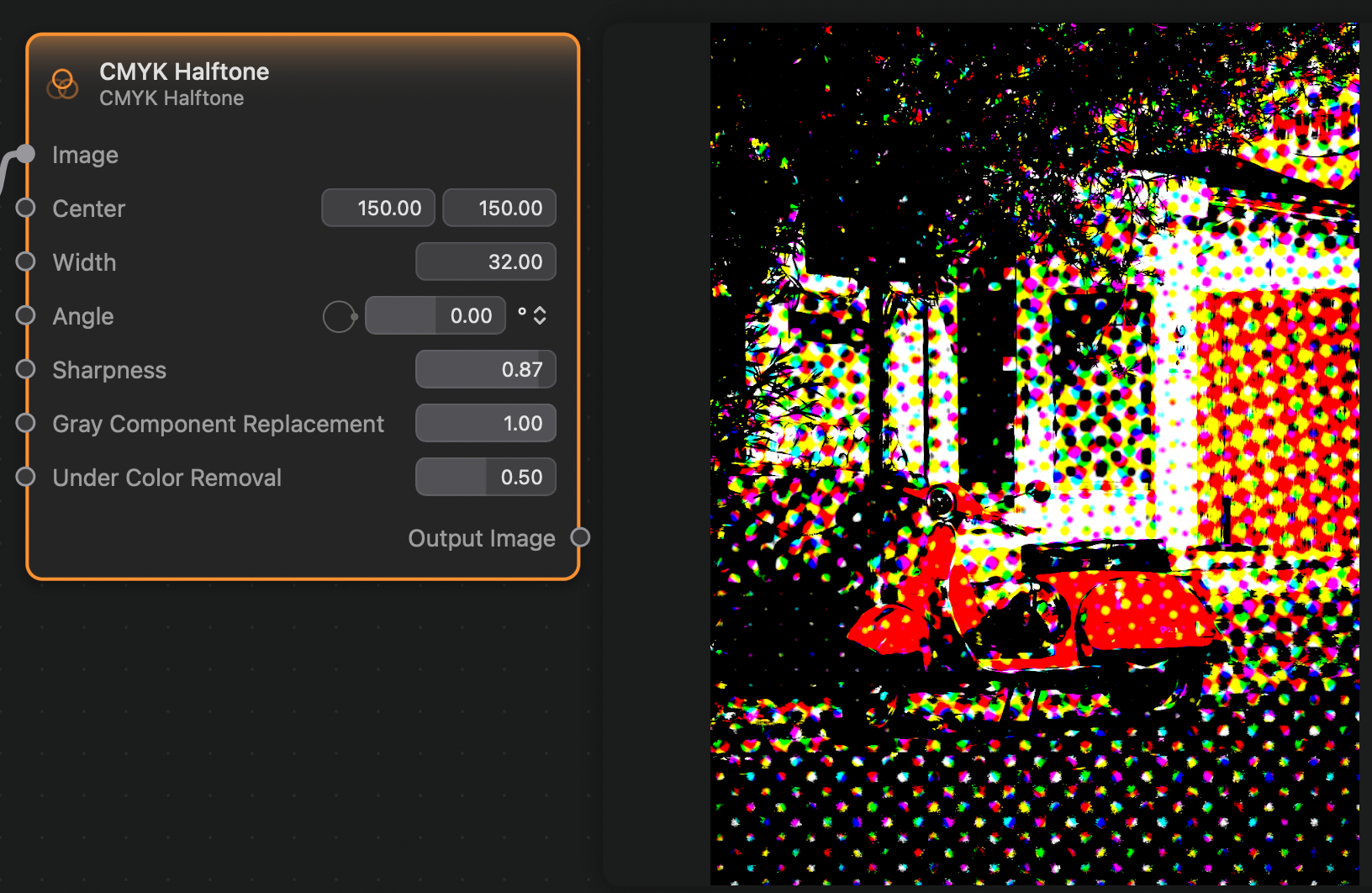
The Circular Screen node applies a halftone filter to the input image, using a pattern of dots and CMYK colors, resulting in an appearance similar to physical print media.
Inputs and Outputs
Inputs:
Image (Image): The input image.Center (Vector 2): The center point of the dot pattern.Width (Float): The width of the dot pattern.Angle (Float): The angle of the dot pattern.Sharpness (Float): The sharpness of the dot pattern.Gray Component Replacement (Float): How much of the image's grayscale colors to replace.Under Color Removal (Float): How much color removal will be applied.
Outputs:
Output (Image): The output image.